
Features
Everything Chitibot does, in the order you'll use it: create a chatbot from your content, train it, make it yours, add it to your website, collect leads and see how visitors use it.
01Create
Start from your website or your documents.
Create a chatbot from a website URL, or from PDF and DOCX files you upload.
- Website.
- Chitibot crawls pages on the same domain, respects robots.txt and adds a polite delay between requests. A crawl reads up to 30 pages on Free, 100 on Pro and 300 on Business.
- Documents.
- PDF and DOCX files of up to 3 MB each. The readable text is extracted automatically, with no formatting needed. One chatbot can use several documents, within your plan’s document limit.
- WebsitePages on your domain
- PDFUp to 3 MB per file
- DOCXUp to 3 MB per file
02Train
Training runs on its own.
As soon as you create a chatbot, Chitibot reads your content, splits it into passages and builds a searchable index for that chatbot.
- In the background.
- Training usually takes a few seconds to a couple of minutes, depending on how much content there is.
- Notified when ready.
- You get a notification when your chatbot is ready, or if training fails.
- Answers from your content.
- Before answering, the chatbot looks up the most relevant passages and keeps track of recent messages, so visitors can ask follow-up questions.
- Kept separate.
- Each chatbot has its own knowledge index. Your content is only used to answer questions asked to your own chatbots.
- Test first.
- Try your chatbot in the dashboard before you add it to your website.
03Customize
Make it sound and look like your business.
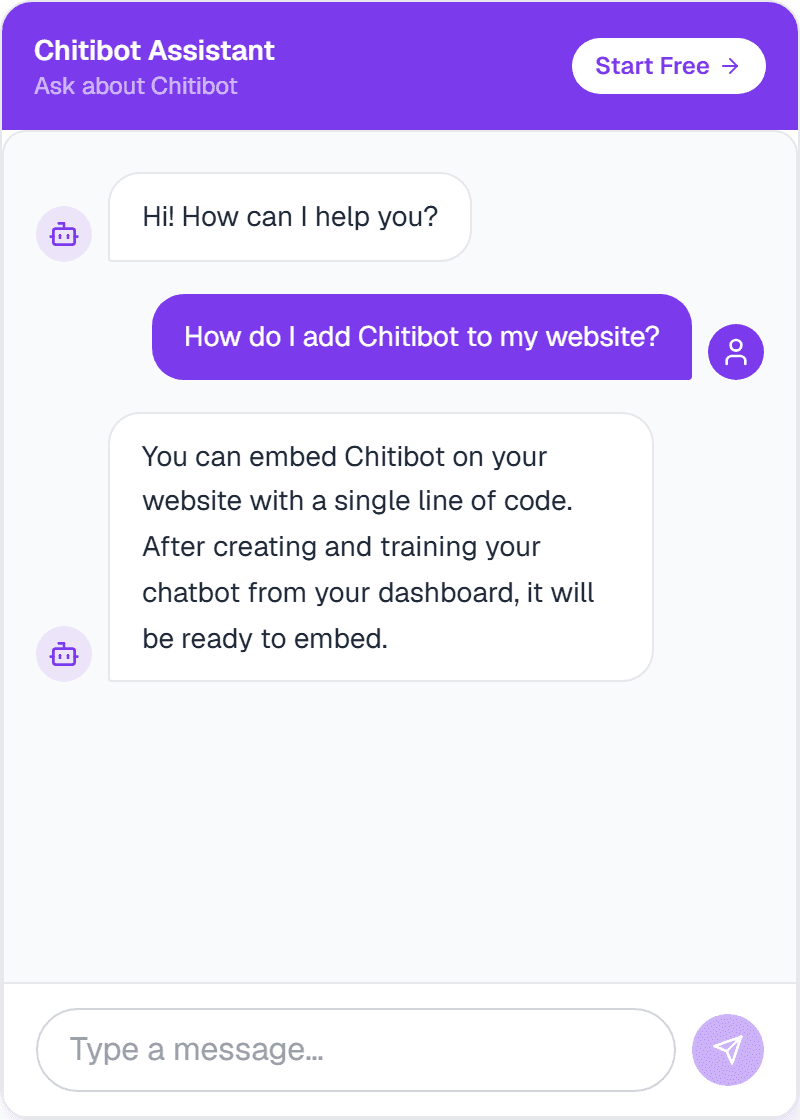
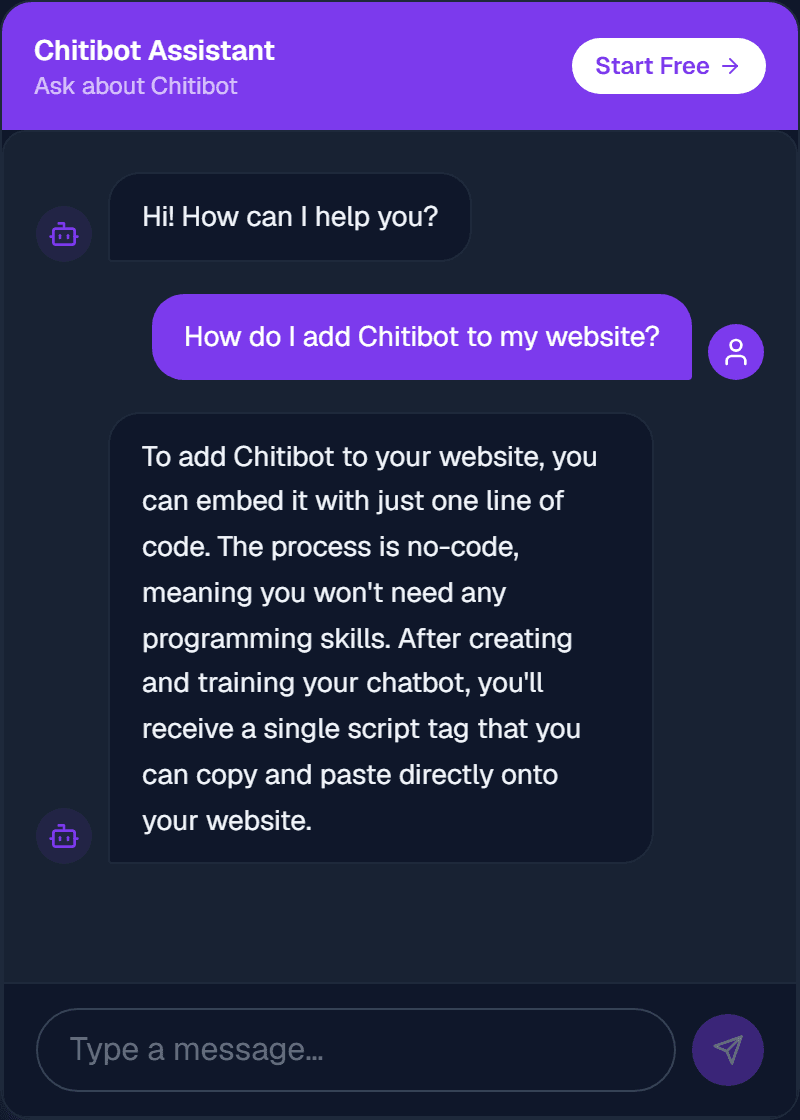
Set the first message visitors see, match your brand colour and choose how your chatbot talks.
- Greeting.
- The first message visitors see, up to 300 characters.
- Brand colour.
- Pick a preset or enter any colour.
- Personality.
- Friendly, professional or concise.
- Branding.
- On Pro and Business, Chitibot branding is removed from the widget automatically.
04Deploy
Add it to your website with one line.
Copy the script tag from your dashboard and paste it before the closing </body> tag. The chat widget appears on every page that has it.
- Any website.
- Works wherever you can add HTML.
- No visitor sign-in.
- Each chatbot has its own embed token, so visitors can chat straight away.
- From your dashboard.
- Copy the snippet from your dashboard once your chatbot is ready.
<!-- Chitibot -->
<script src="https://chitibot.com/widget.js"
data-token="YOUR_EMBED_TOKEN"></script>05Capture leads
Turn interested visitors into leads.
When a visitor asks about pricing, a demo or being contacted, your chatbot answers as usual and then offers a short form for their name, email and phone.
- Your choice.
- Lead capture is off until you turn it on for a chatbot, on any plan.
- With consent.
- Details are saved only if the visitor shares an email or phone number and agrees to be contacted.
- Leads page.
- Search and filter your leads, update their status from New to Converted, add private notes and export them as a CSV file.
- Full context.
- Open the conversation that led to each lead, so you know what the visitor asked before you reply.
- Notified.
- You get an email and a dashboard notification for every new lead.
06Understand
See how visitors use your chatbot.
The Analytics page shows visitor activity, how each chatbot is used and how much of your plan you've used.
- Activity.
- Visitor messages and conversations per day for the last 7, 30 or 90 days, or messages per hour for today.
- Per chatbot.
- A breakdown for each chatbot and its share of your traffic.
- Plan usage.
- Messages, chatbots and documents used. Message allowances reset on the 1st of each month.
- Knowledge base.
- How many documents are processed, and any that failed.
Build your first chatbot.
Start free. No credit card required. Upgrade when you need more.